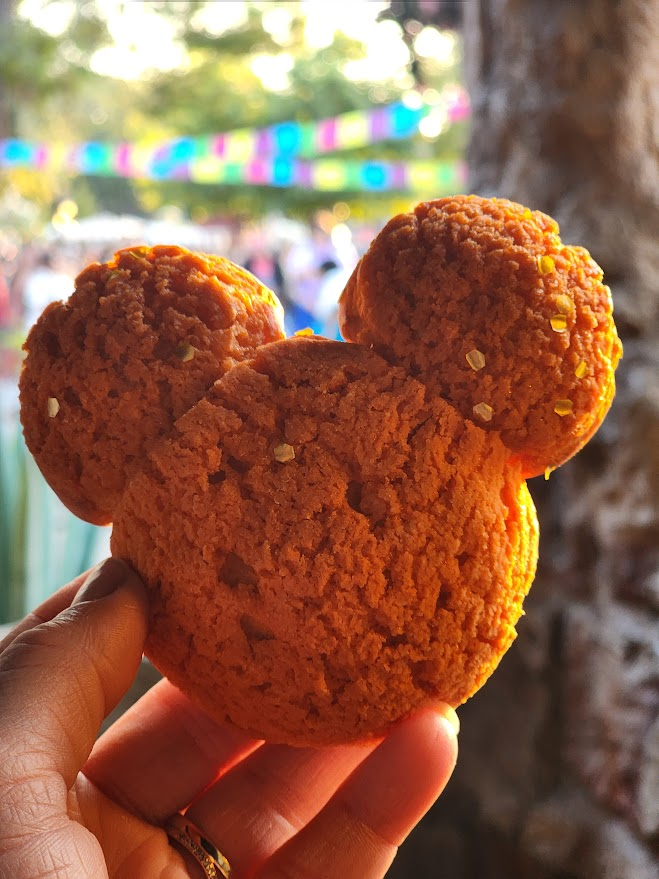
Whether you’re craving a classic Mickey pretzel or trying to snag a last-minute table at Blue Bayou, the Disneyland App is essentially your digital waiter. In 2026, with the 70th Anniversary celebrations in full swing, knowing how to navigate the app’s dining features is the difference between a relaxing meal and a “hangry” meltdown. To download the Disneyland app click here: https://disneyland.disney.go.com/guest-services/download-disneyland-mobile-app
Here is your guide to mastering the three pillars of Disneyland dining: Mobile Order, Reservations, and the Walk-Up List.
📱 1. Mobile Food & Beverage Ordering
This is the ultimate time-saver for quick-service spots (like Bengal Barbecue or the Galactic Grill).

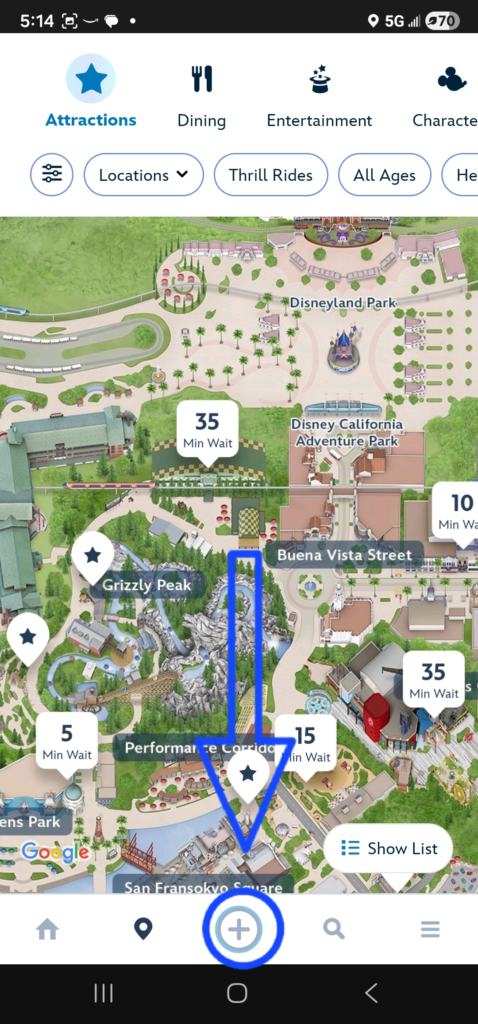
- How to do it: Tap the “+” icon at the bottom of the app and select “Order Food.”
- The Strategy: You can order your lunch at 9:00 AM while standing in line for Space Mountain. Pick a “window” for later in the day, and your spot in the virtual kitchen line is saved.
- “I’m Here”: When you actually arrive at the restaurant during your window, tap “I’m Here, Prepare My Order.” Only then will they start bagging your food. Look for the “Mobile Order Pick Up” signs!
Pro Tip: During the 70th Anniversary Celebration (running through August 2026), use the app to find limited-time treats like the Abominable Snowman Sipper. They often sell out, so mobile ordering early is a must!
🍴 2. Advanced Dining Reservations
For table-service restaurants, you can book up to 60 days in advance.
- New for 2026: The app now features a “Check availability for multiple days” tool. If you’re visiting for a long weekend, you can see every opening for Blue Bayou across your entire trip at once, rather than searching day-by-day.
- Search by Time: Use the new “Time Slider” to narrow down results to the exact hour you want to eat.
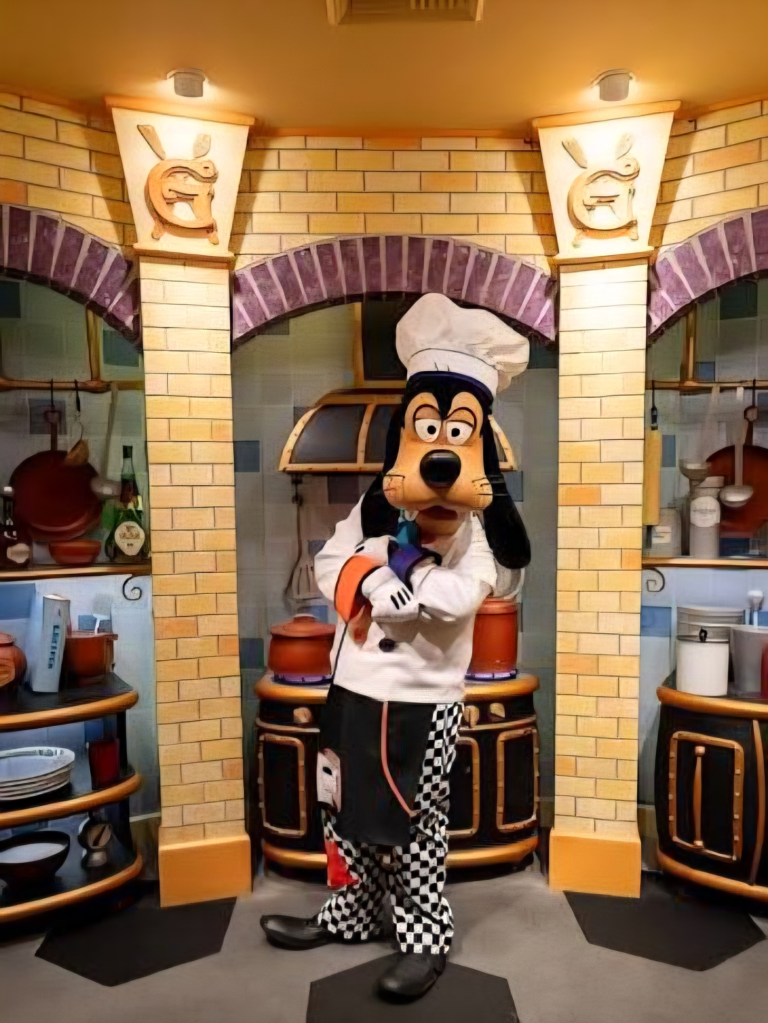
- Character Dining: Look for the Mickey icon in the search results to easily identify experiences like Mickey’s Christmas Carol Feast or Goofy’s Kitchen.
🚶 3. The “Join Walk-Up List” Feature
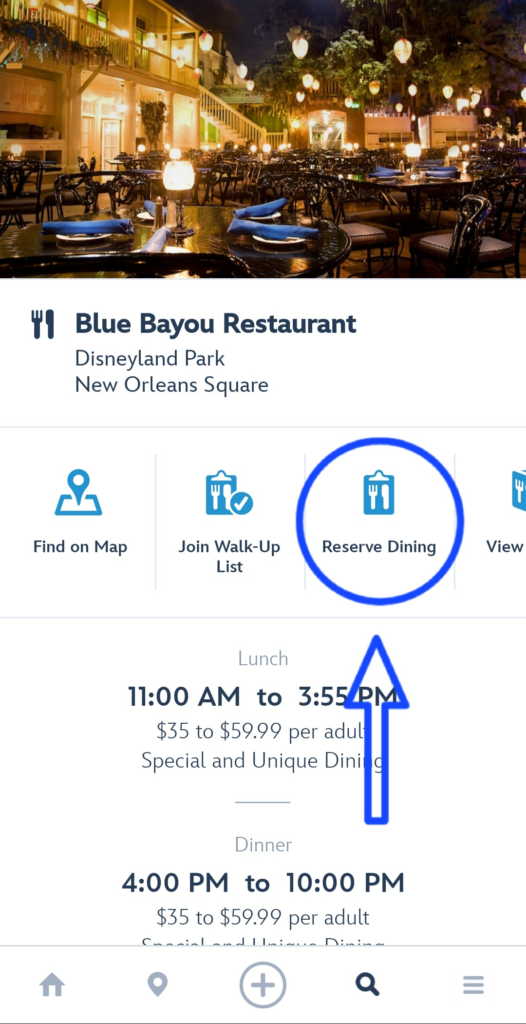
Forgot to make a reservation? Don’t panic. The Mobile Dine Walk-Up List is your best friend.
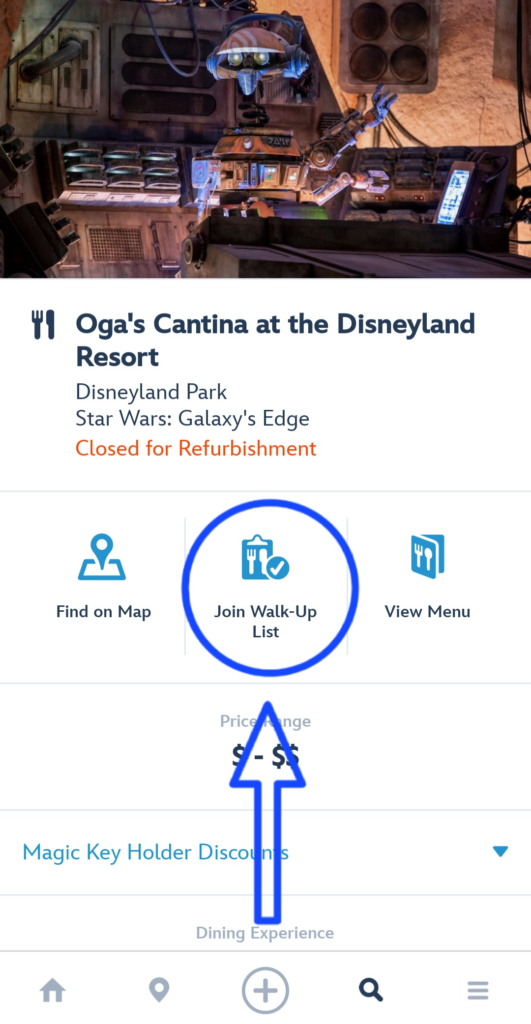
- How it works: When you are physically near a restaurant (like Lamplight Lounge or Oga’s Cantina), open the app and search for that location. If they have space, you’ll see a button to “Join Walk-Up List.”
- The Trick: You usually have to be within a certain radius of the restaurant for the button to appear. If it says “Feature Unavailable,” try walking closer to the host stand!
- Notifications: Once you’re on the list, you’re free to go ride a nearby attraction. The app will send you a push notification when your table is ready.
🗺️ Using the Map to Find Your Next Meal
If you’re standing in the middle of Tomorrowland and don’t know what’s closest, the map is your best guide. It’s not just for finding Space Mountain; it’s for finding the nearest burger, too.
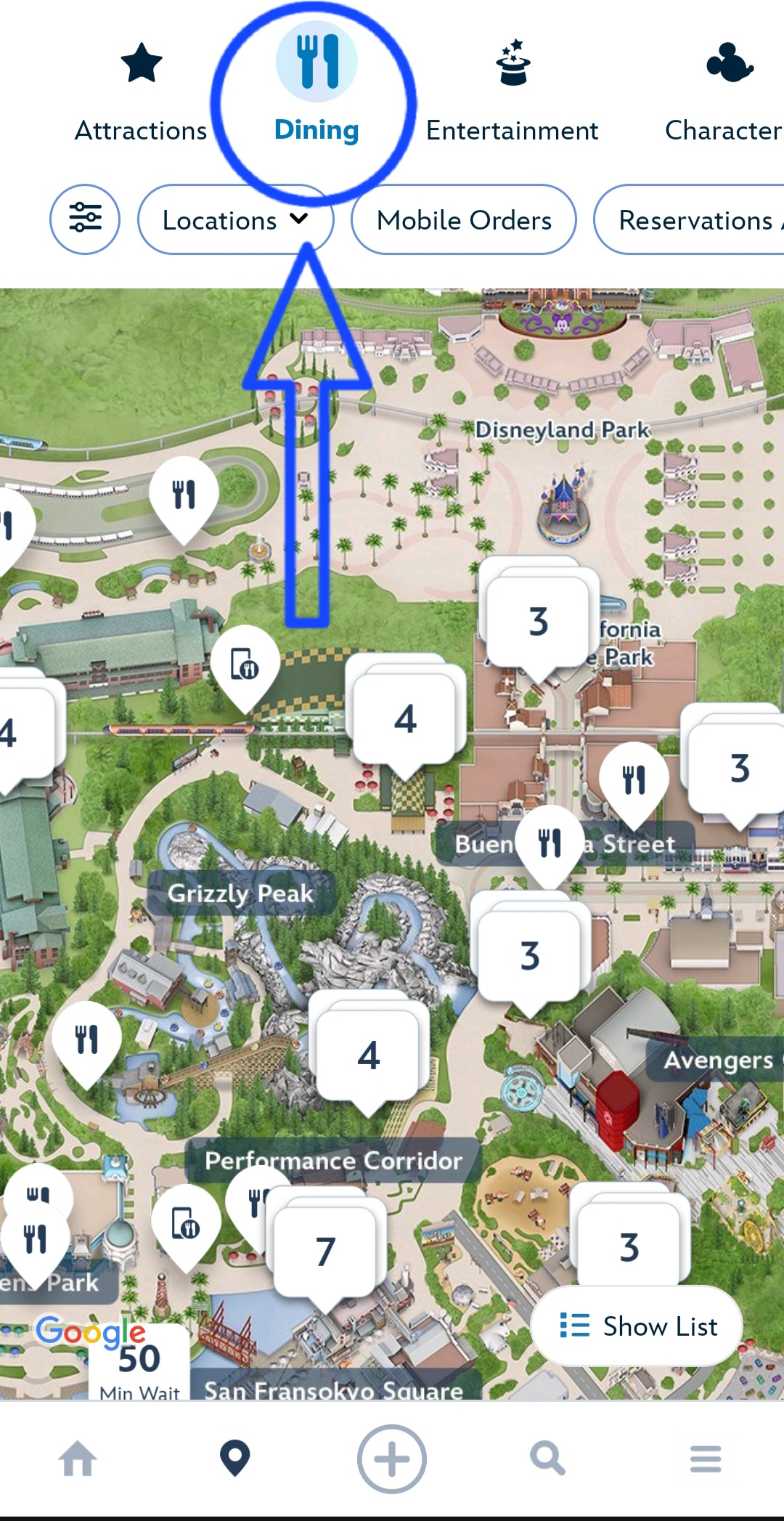
The “Dining” View
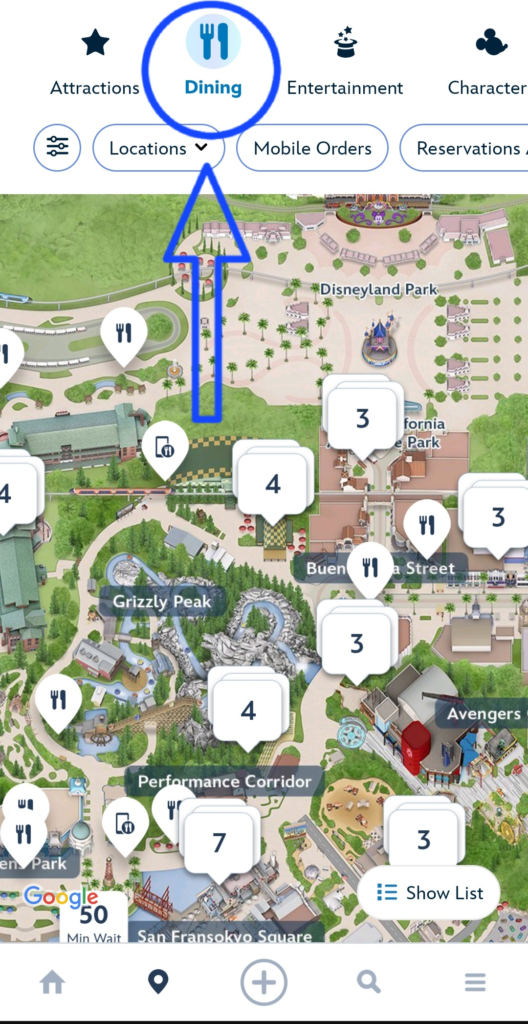
- Switch the Category: Open the map (the pin icon) and tap the top-center dropdown menu. Switch it from “Attractions” to “Dining.”
- Follow the Icons: The map will fill with little fork-and-spoon icons.
- Wait Times on the Map: One of the best recent updates is that for many locations, you can see the estimated wait time or the next available Mobile Order window right there on the map without even clicking the icon.
Filter for Your Vibe
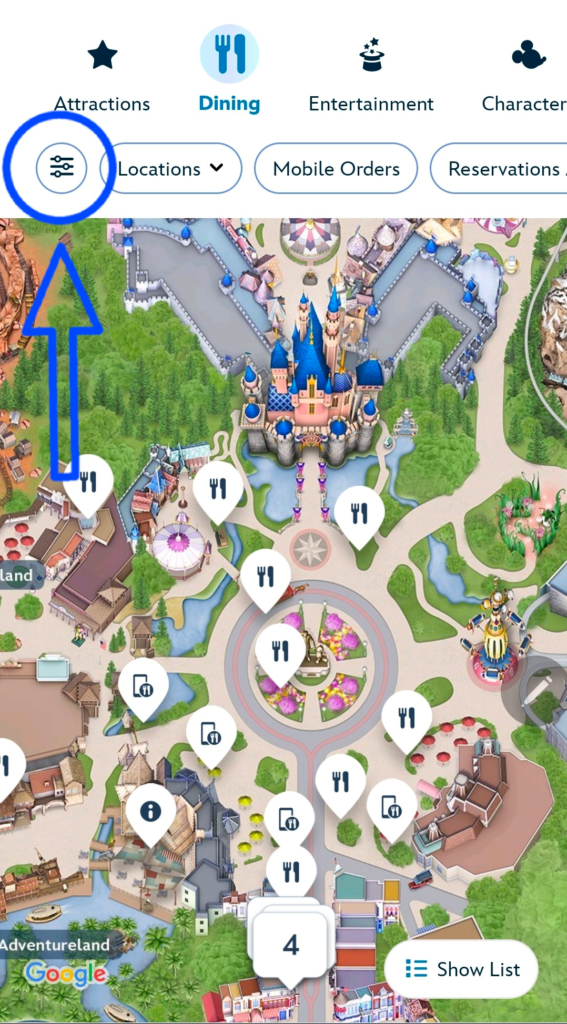
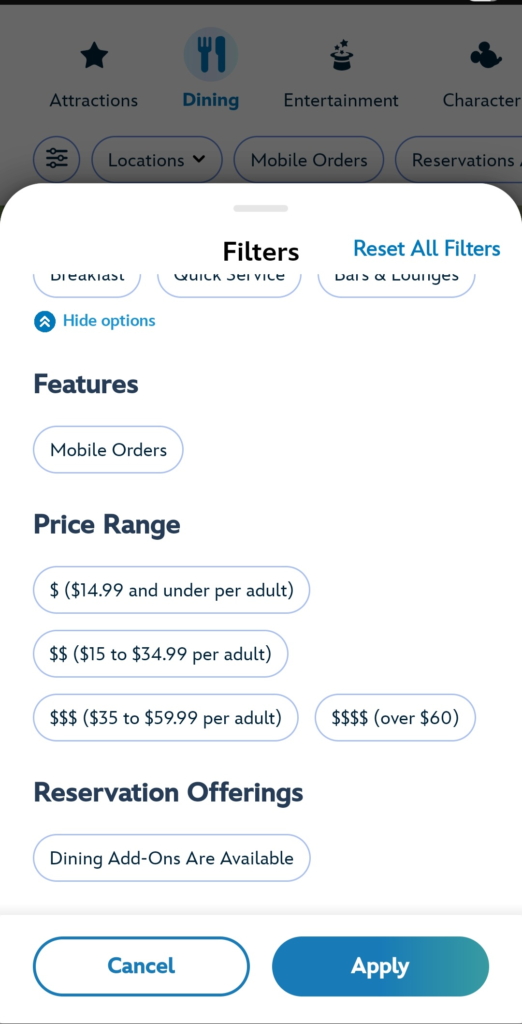
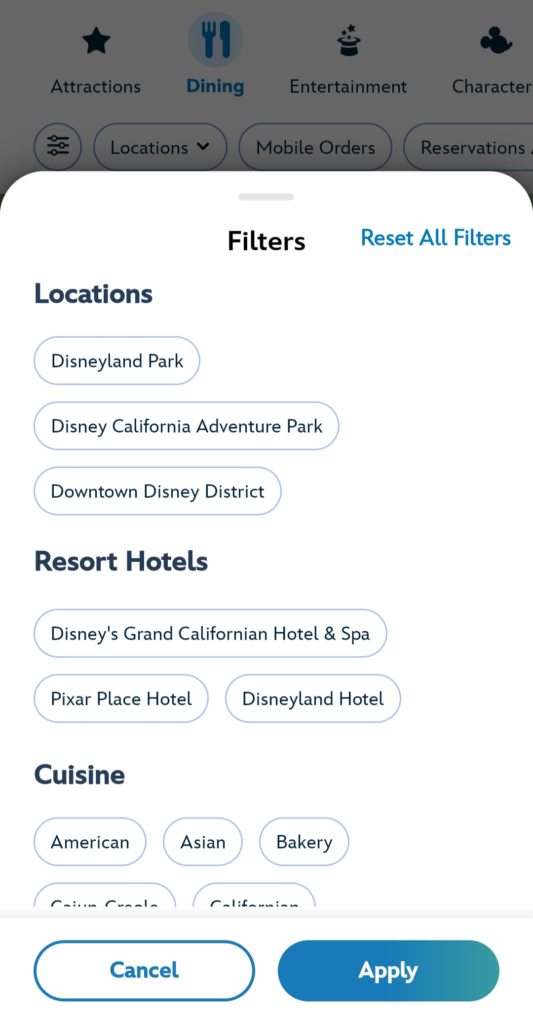
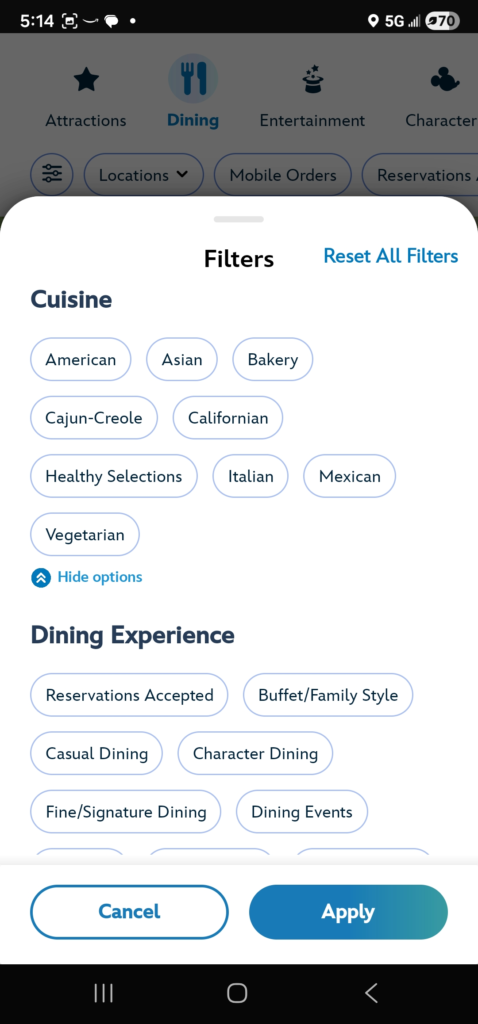
Hungry for something specific? Tap “Filter” in the top-left corner of the map screen. You can narrow your search by:
- Service Style: Choose “Quick Service” for fast food or “Table Service” for a sit-down meal.
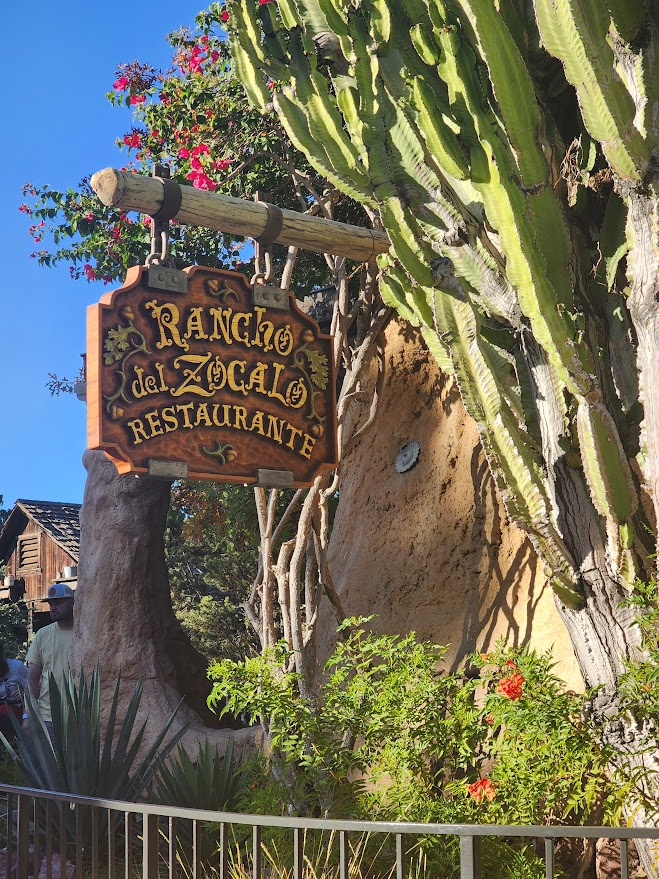
- Cuisine: Craving Mexican? Filter for it! Looking for a 70th Anniversary specialty treat? You can often filter for “Seasonal Offerings.”
- Dining Plans: If you’re using a specific dining package, you can toggle that on to see where your credits are accepted.
Quick Look Menus
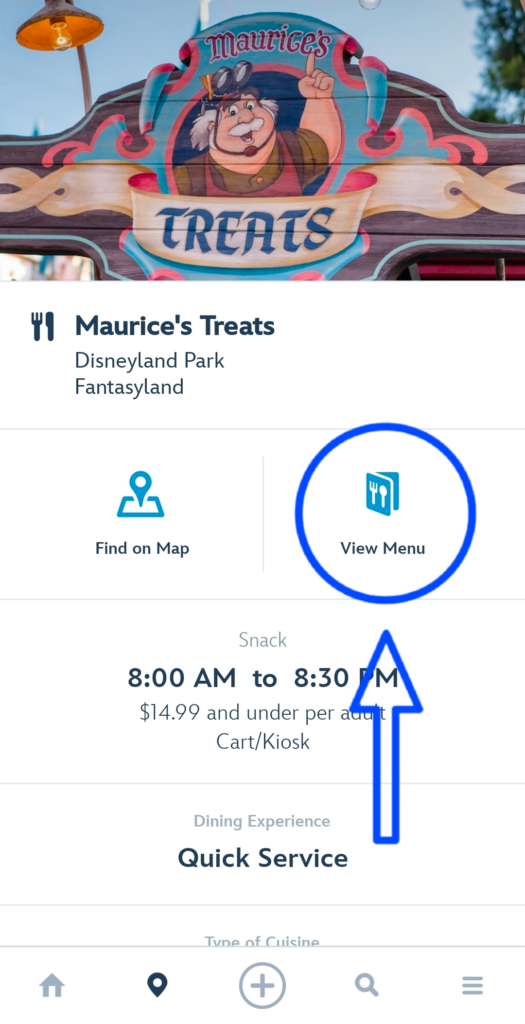
Once you tap a restaurant icon on the map, you can select “View Menu.” * Pro Tip: In 2026, the menus are more visual than ever. Most Quick Service spots now include high-res photos of every dish, so you know exactly what that “Intergalactic Parfait” looks like before you walk over.
💡 Quick Tips for 2026 Success
- Add a Payment Method Early: Go to “My Profile” in the app and link a credit card or Disney Gift Card before you get to the park. It makes checkout a breeze.
- Check “Special Dietary” Menus: If you have allergies, the app has specific “Allergy-Friendly” sub-menus for almost every location.
To check out out favorite Food and Snack spots look here: https://www.mickeyplanning.com/category/in-the-park/food-and-snacks/